

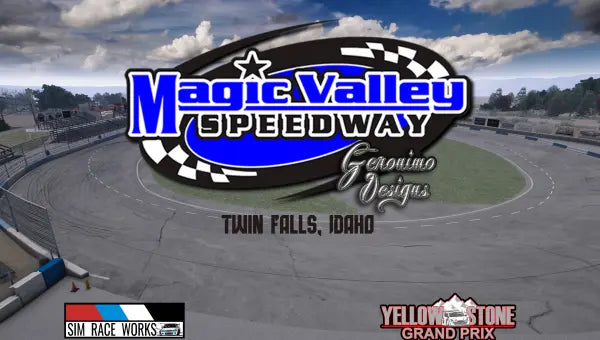
How to get and install this free drift track
Free to download and made by the sim drifting community. Here is how the free checkout works and what you need to run it.
How the free download works
- Check out for $0. No card and no shipping step.
- Use an email you can open. The download link is sent to the email you enter at checkout.
- Check your inbox and spam folder. The link is in your order confirmation, under "Your downloads".
- The link opens the creator's own download page. Some creators host on Google Drive, Patreon or Mega, so you may need one more click there.
What you need
- Assetto Corsa for PC (Steam).
- Content Manager (recommended) to install and launch mods. The free Lite version works.
- Custom Shaders Patch (CSP). Most modern drift tracks need it. If the description above names a version, use that one or newer.
- A drift car or car pack to drive on it. See car packs and drift cars.
Install in three steps
- Download the archive from the link in your email.
- Drag the archive into Content Manager, or unzip it and copy the folder into assettocorsa/content/tracks.
- Open Content Manager, pick the track and a car, and drive.
Read next: How to install Assetto Corsa mods (and fix common errors)
Link not working or no email? Send us the mod name and your order email and we'll look into it.
Report a download problemDrift it for real
Learning car control in the sim? The same ideas carry over to a real car: steering angle kits, coilovers and camber and toe arms.
More free mods: Assetto Corsa drift tracks · All Assetto Corsa drift mods
Questions
Is this drift track really free?
Yes. It is a free community mod. You check out for $0 and we email you the link to the creator's download page.
Where is my download link?
In your order confirmation email, under Your downloads. Check your spam folder, and contact us with the email you used if it has not arrived.
How do I install it?
Drag the downloaded archive into Content Manager, or unzip it and copy the folder into assettocorsa/content/tracks. Install Custom Shaders Patch first if the mod needs it.
Who made this mod?
It was made by its creator in the sim drifting community, credited in the description above. Lower HQ did not make it; we list it so drifters can find it.
More free Assetto Corsa mods